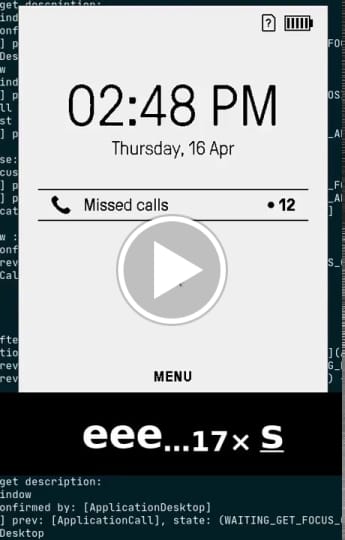
#How to use Mudita Pure phone simulator
Mudita Pure phone simulator is a tool created to speed up developer work. Despite its limitations it's a good introduction to Mudita Pure GUI and selected apss and funcionalities of MuditaOS.
Some of the differences between the simulator and the actual phone are:
- you can't make phone calls or send text messages (unless you have a connected development board)
- it doesn't work fully as on the phone i.e. there are no visible E-Ink refreshes
You can start the simulator locally by executig the PurePhone.elf file located inside your build directory.
You can also run the simulator on disk image with the same layout as we got on the phone by using run_simulator_on_filesystem_image.sh.
To unlock the simulator press s on the keyboard to simulate the centre function key and then press c which simulates a # key. Then enter the default pin of 3333.
To move around the simulator please use the "Keyboard binding on Linux Pure simulator" document.